> ## Documentation Index
> Fetch the complete documentation index at: https://docs.ttarena.app/llms.txt
> Use this file to discover all available pages before exploring further.
# Using the Player app
> Your Draw tab, your Schedule for the day, and keeping your profile up to date.
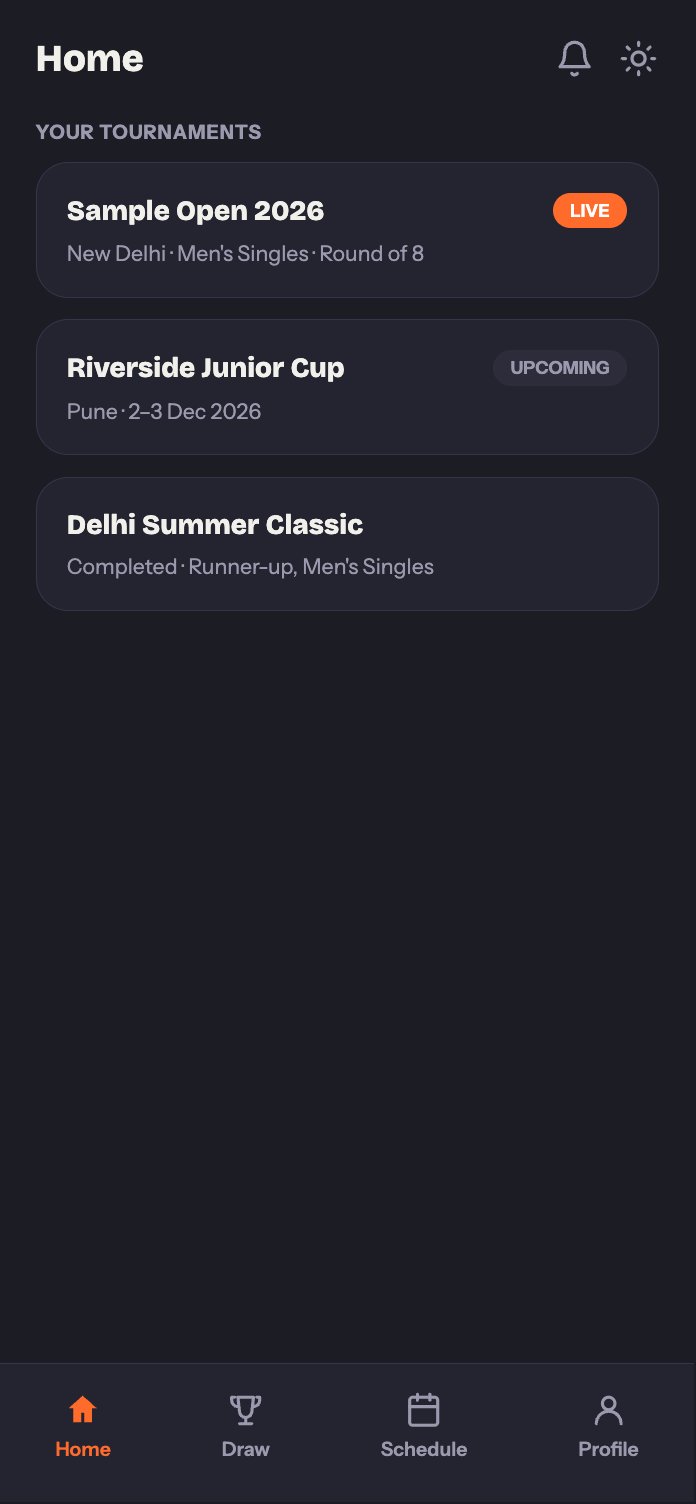
Once you're signed in, your Home tab lists every tournament you're registered for. Open one to get to its Draw, Schedule, and Profile tabs, which cover everything you need during the event.
 ## Draw
See the full bracket for your category, exactly as the organizer has it set up, group standings if the tournament has a group stage, and the knockout bracket once it's generated.
## Schedule
This is the tab you'll check most often during an event. It has two views:
* **Your Schedule** shows just your own matches: anything live right now, what's coming up next, and what you've already completed.
* **Tournament Schedule** shows the organizer's full day-by-day schedule across every table.
## Draw
See the full bracket for your category, exactly as the organizer has it set up, group standings if the tournament has a group stage, and the knockout bracket once it's generated.
## Schedule
This is the tab you'll check most often during an event. It has two views:
* **Your Schedule** shows just your own matches: anything live right now, what's coming up next, and what you've already completed.
* **Tournament Schedule** shows the organizer's full day-by-day schedule across every table.
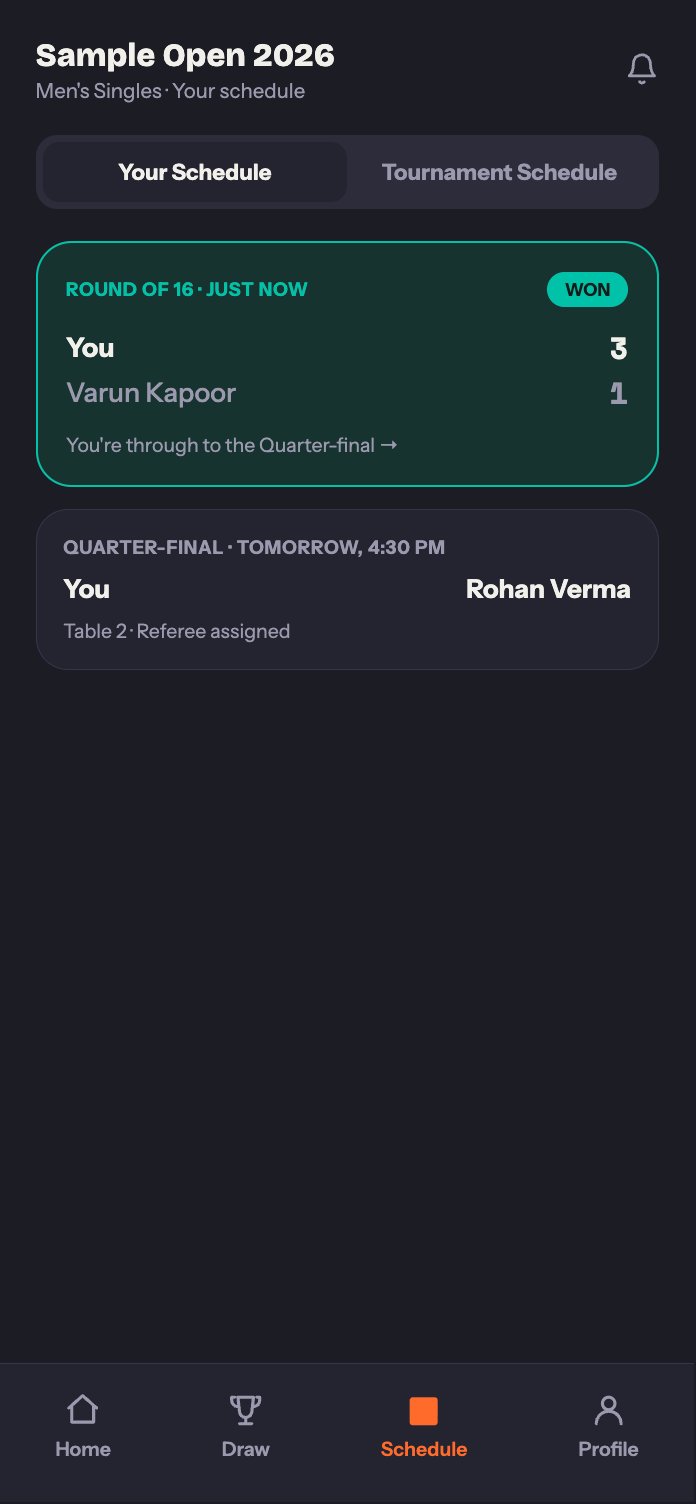 The moment a referee records your result, it shows up here, along with which table and umpire for your next match once it's assigned. You'll also get a notification so you don't have to keep the app open and watch it.
## Profile
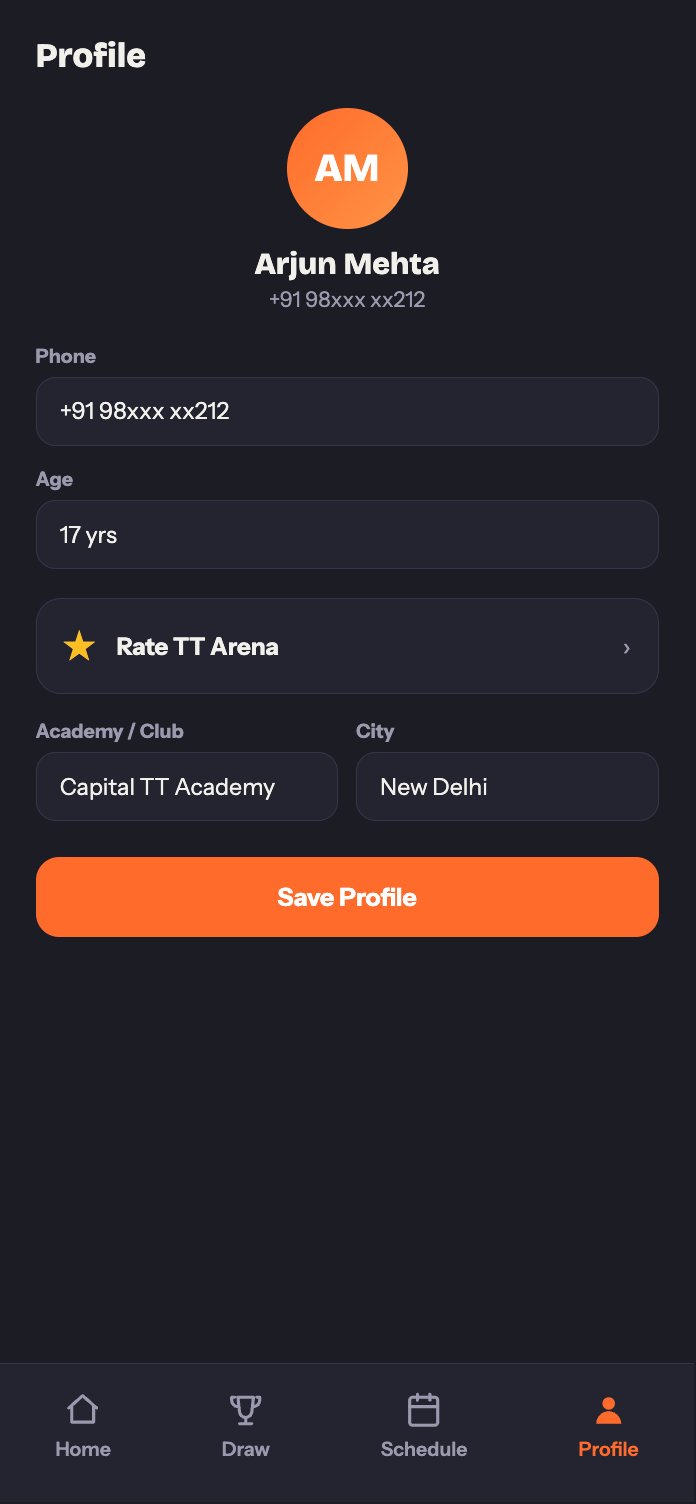
Keep your display name, photo, academy or club, city, and equipment details up to date. This is also where you'll find notification settings and a quick way to rate the app if you're enjoying it.
The moment a referee records your result, it shows up here, along with which table and umpire for your next match once it's assigned. You'll also get a notification so you don't have to keep the app open and watch it.
## Profile
Keep your display name, photo, academy or club, city, and equipment details up to date. This is also where you'll find notification settings and a quick way to rate the app if you're enjoying it.
 Check the FAQ, or reach out through Help & Support in the app.
This documentation is built and hosted on [Mintlify](https://mintlify.com), a developer documentation platform.
Check the FAQ, or reach out through Help & Support in the app.
This documentation is built and hosted on [Mintlify](https://mintlify.com), a developer documentation platform.