

1. Sign in
Go to play.ttarena.app and sign in with your organizer account. If this is your first time, reach out to the TT Arena team to get an account set up.2. Create the tournament
From your dashboard, select New tournament and fill in the basics:- Name, what players will see, e.g. “Sample Open 2026”
- City
- Start date and End date
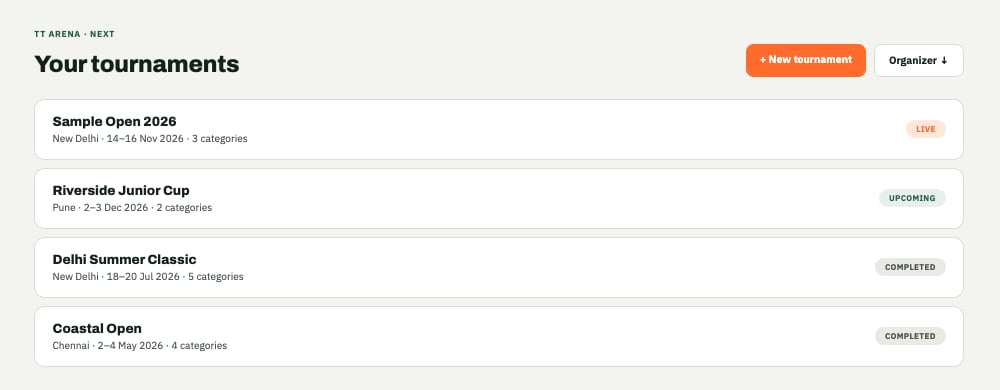
The organizer dashboard, with a tournament already running and a new one being created.
3. Fill in the rest of the settings
From here you’ll want to set your categories (Singles, Doubles, or both), how many tables you have available, and a registration deadline. See Tournament settings for the full walkthrough.4. Share the registration link
Every tournament gets its own public registration page atplay.ttarena.app/register/<tournament-id>. Share that link with your players, by WhatsApp, on a poster, wherever you’d normally advertise the event. No account is needed on their end to register, a login only comes in later if they want to track their matches from the Player app.
Next: reviewing who's registered
Once players start registering, here’s how to review, approve, and manage them.