

play.ttarena.app/register/<tournament-id>. Here’s what happens from there.
1. Fill in the registration form
Open the link the organizer shared with you. You’ll be asked for your name, date of birth, gender, city, and your academy or club if you have one, along with which category you’re entering (Singles, Doubles, or both). No account or password needed for this step.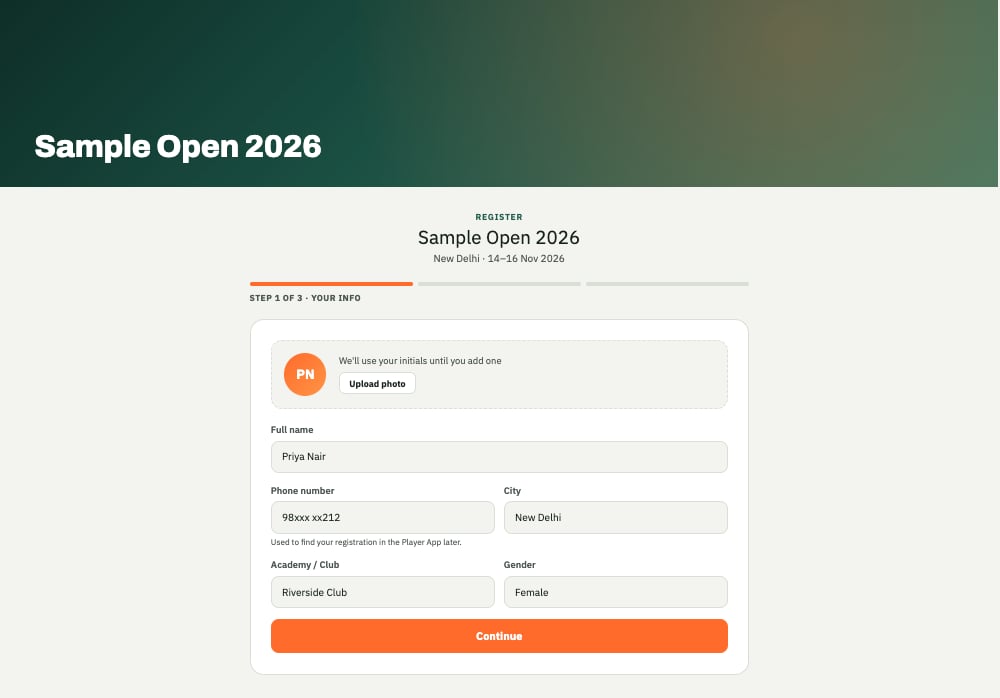
A tournament's public registration page.
2. Wait for approval
Most organizers review registrations before confirming them. You don’t need to do anything else here, the organizer will approve it from their end.3. Install the Player app
The registration form itself doesn’t require the app, but once your draw and schedule are published, the easiest way to follow them is the TT Arena Player app. See Installing the app and logging in to get set up with just your phone number, no password to remember.Next: using the app
Your draw, your schedule for the day, and how you’ll know when your match is called.