

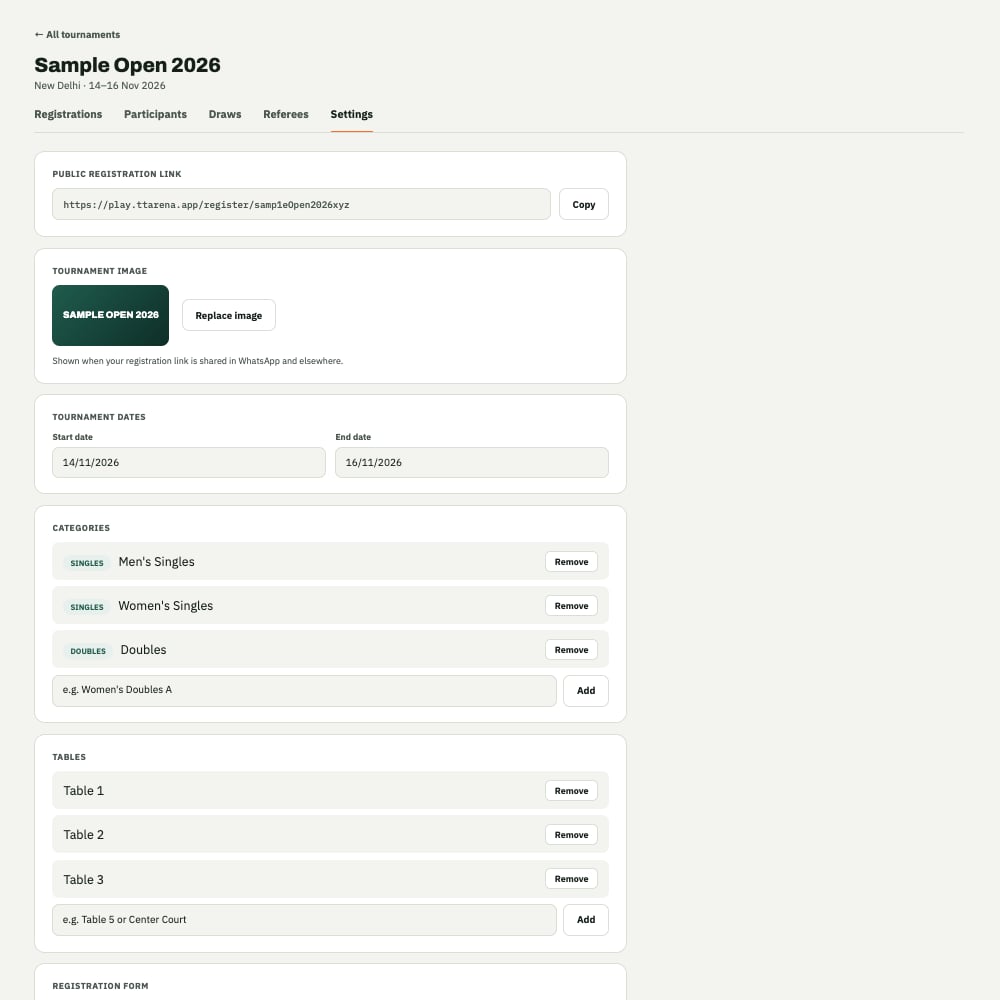
The Settings tab for a tournament.
Tournament dates and image
Set your Start date and End date, and optionally upload a Tournament image that shows up on the registration page and in the app.Categories
Add the categories players can register for, such as Men’s Singles, Women’s Singles, or Doubles. You can run several categories in the same tournament, each with its own draw.Tables
List out how many physical tables you’ll have available on the day. This is what lets the schedule assign matches to specific tables.Registration deadline and form
Set a Registration deadline so the public registration page closes automatically once it passes. The Registration form controls which fields players are asked to fill in when they sign up.Next: managing registrations
Once players start signing up, here’s how to review and manage them.