

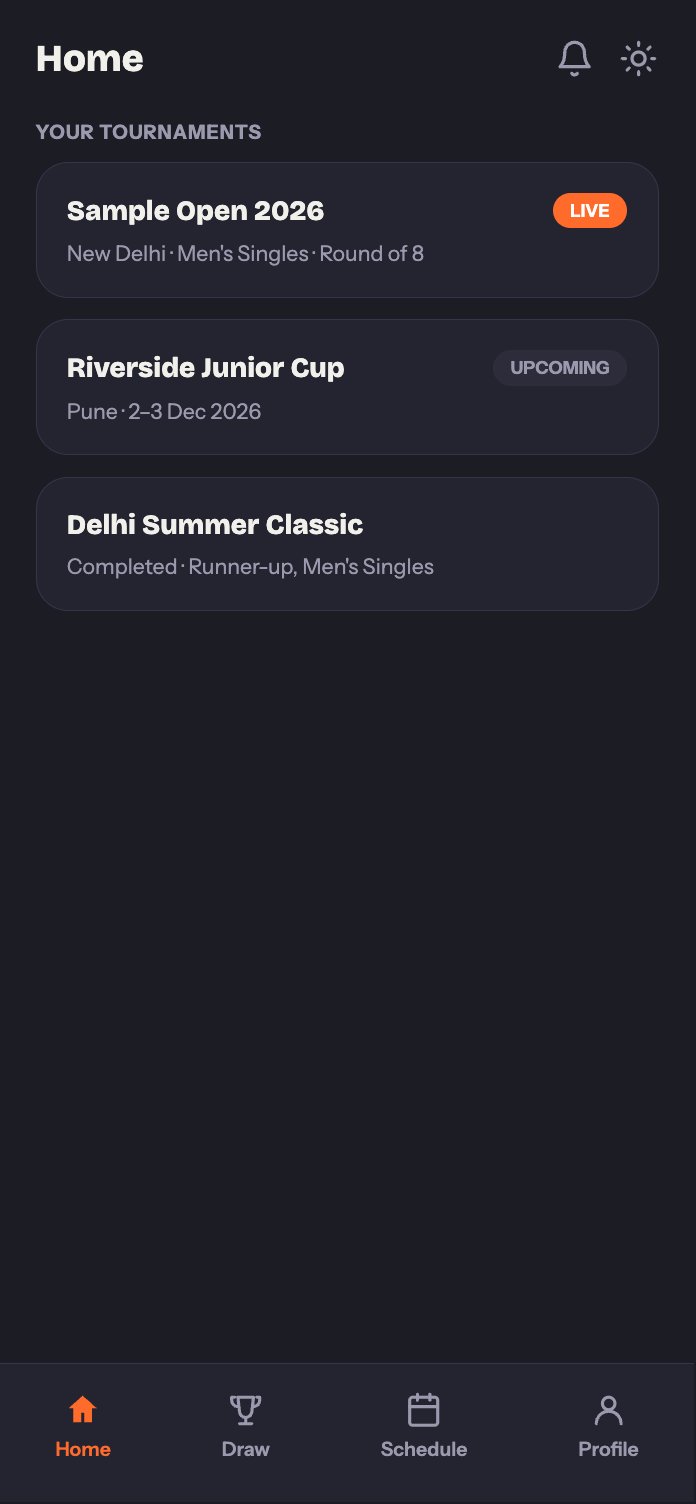
Home, with an upcoming tournament.
Draw
See the full bracket for your category, exactly as the organizer has it set up, group standings if the tournament has a group stage, and the knockout bracket once it’s generated.Schedule
This is the tab you’ll check most often during an event. It has two views:- Your Schedule shows just your own matches: anything live right now, what’s coming up next, and what you’ve already completed.
- Tournament Schedule shows the organizer’s full day-by-day schedule across every table.
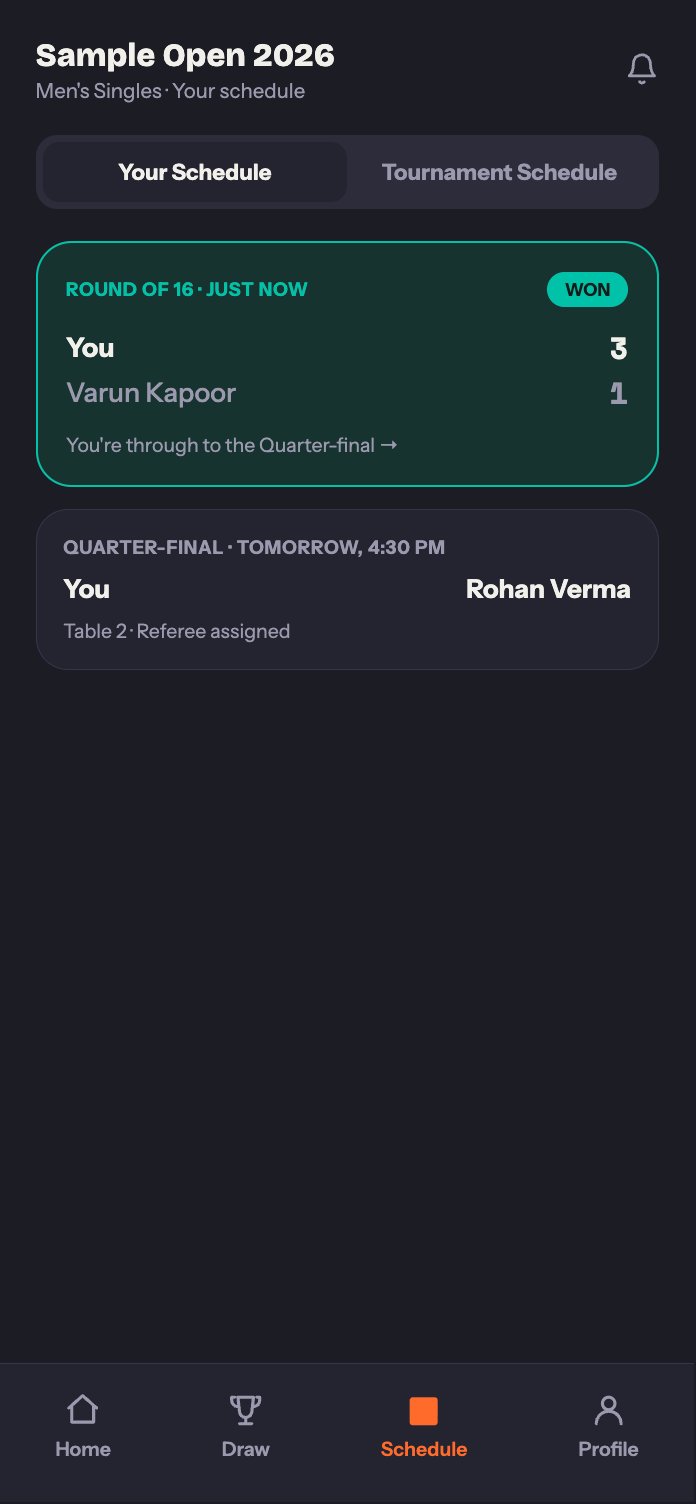
Your Schedule, right after a win.
Profile
Keep your display name, photo, academy or club, city, and equipment details up to date. This is also where you’ll find notification settings and a quick way to rate the app if you’re enjoying it.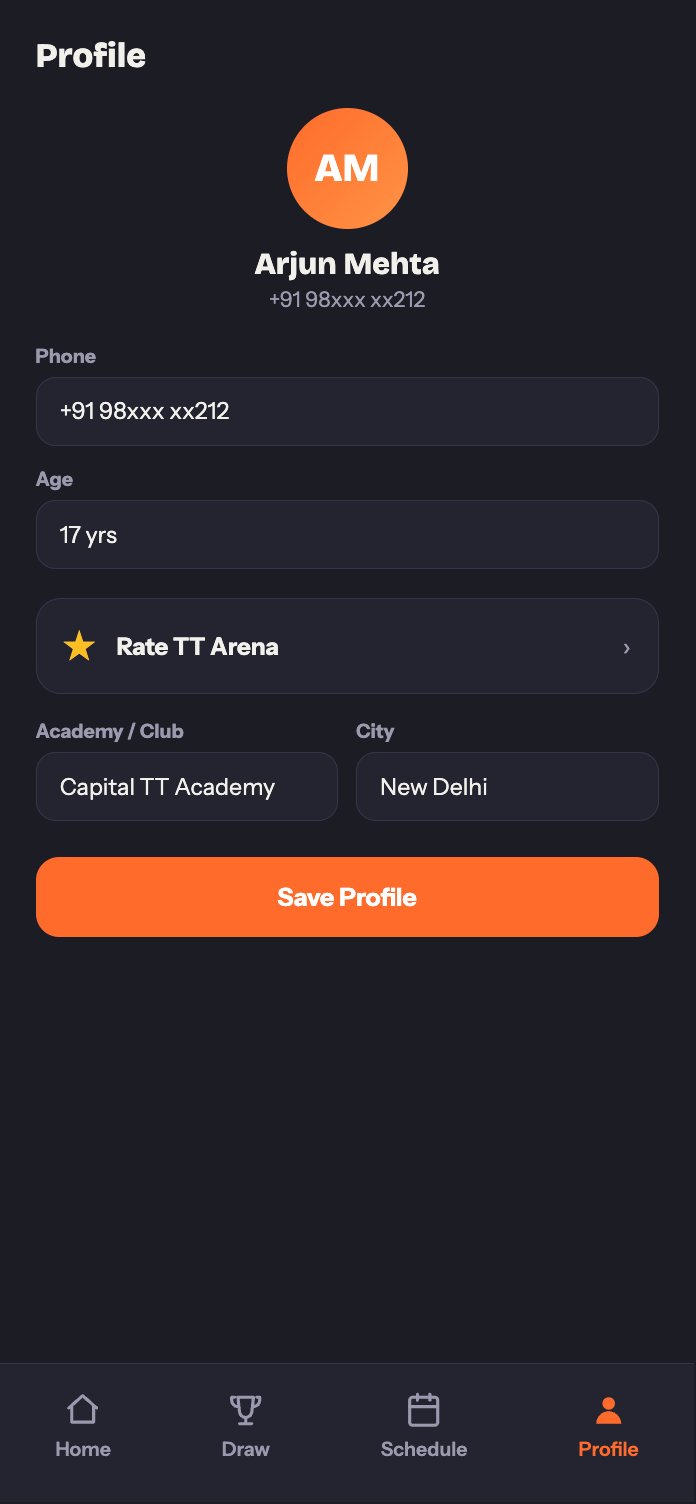
The Profile tab.
Have a question that's not covered here?
Check the FAQ, or reach out through Help & Support in the app.